


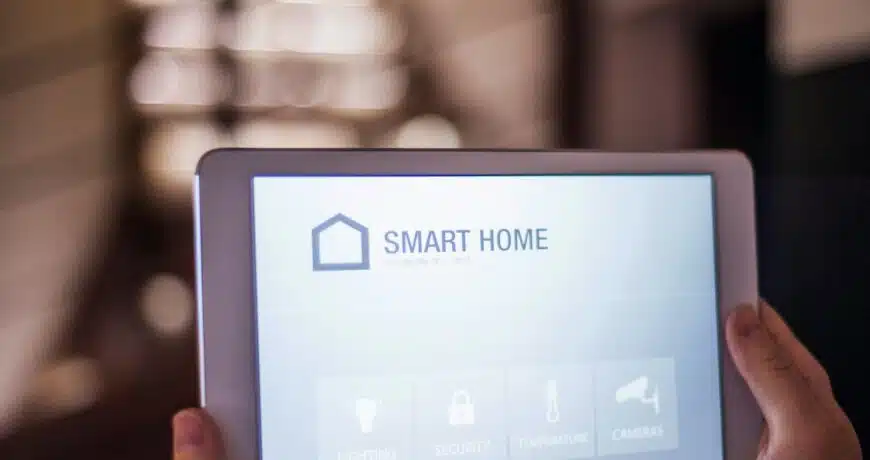
Setting Up a Smart Home Hub: A Complete Guide Leave a comment
Setting up a smart home hub can transform your living space into a connected and automated environment. With the right hub, you can control various smart devices from a single platform, making life more convenient and efficient. A smart home hub acts as the central command for your smart devices, allowing them to communicate with each other, perform routines, and respond to your commands.
Choosing the right smart home hub is crucial for creating an effective smart home system. There are many options available, each with different features, compatibilities, and functionalities. Whether you are looking to control your lights, locks, or thermostat, finding the right hub can make a significant difference in how well your smart home operates.
In this guide, I will walk you through the process of selecting the best smart home hub for your needs and provide a step-by-step guide to setting it up. You’ll also learn about the essential features to look for and how to maximise the potential of your new smart home hub. With the right information and careful setup, you can create a seamless and efficient smart home that simplifies your daily routines.
Choosing the Right Smart Home Hub for Your Needs
Selecting the best smart home hub starts with understanding your specific needs and preferences. The first factor to consider is compatibility. Make sure the hub you choose works seamlessly with the smart devices you already own or plan to buy. Some popular hubs are designed to work well with devices from specific brands or use specific communication protocols like Zigbee or Z-Wave.
Another important aspect is the ease of use. Look for a hub that offers a straightforward setup process and an intuitive interface. This will make it easier for you to add new devices and manage your smart home system. Customer support and software updates are also crucial. Ensure the hub you select has a good track record of regular updates and accessible customer service.
Essential Features of a Smart Home Hub
When shopping for a smart home hub, focus on the essential features that will provide the most benefit. Look for robust automation capabilities. A quality hub should allow you to create complex routines and scenes, such as turning off all the lights and locking the doors with a single command. The range of devices it can control is also important. The more versatile the hub, the more comprehensive your smart home system can be.
Security is another key feature. Make sure the hub has strong encryption and security protocols to protect against hacking and unauthorised access. Some hubs come with integrated security systems, such as cameras and sensors, which can offer an added layer of protection. Additionally, consider remote access capabilities. Being able to control your smart home from anywhere using an app on your smartphone adds significant convenience and peace of mind.
By taking these factors into account, you can choose a smart home hub that not only meets your immediate needs but also offers room for future expansion and upgrades. This ensures a smooth and efficient smart home experience, making your daily life easier and more connected.
Step-by-Step Guide to Setting Up Your Smart Home Hub
Setting up your smart home hub is a crucial step towards creating a connected and efficient home. Begin by unboxing your hub and placing it in a central location. This will ensure better connectivity with all your smart devices. Plug it in and follow the manufacturer’s setup instructions, which usually involve downloading a corresponding app on your smartphone.
Once the hub is connected to your Wi-Fi network, you can start adding your smart devices. Open the app, navigate to the device pairing section, and follow the prompts to add each device. Make sure to name each device clearly so you can easily control them later. Some smart home hubs require you to scan a QR code or press a button on the device to complete the pairing process. Once all your devices are added, test them to make sure they are responding correctly.
Maximising the Potential of Your Smart Home Hub
To get the most out of your smart home hub, take advantage of its automation features. Create routines for different times of the day or specific tasks. For example, you can set a morning routine that turns on the lights, adjusts the thermostat, and plays your favourite news podcast. Explore the scheduling options to automate tasks like switching off devices at night or setting holiday modes when you are away.
Integrate voice control if your hub supports it. Linking your hub to a voice assistant like Amazon Alexa or Google Assistant can greatly enhance your control over your smart home. Simply use voice commands to manage your devices hands-free. Regularly updating the hub’s firmware and software will ensure that you have the latest features and security enhancements. Finally, consider expanding your system by adding new compatible devices. This allows you to continually upgrade and improve your smart home setup.
Conclusion
Setting up a smart home hub is a powerful way to centralise the control of your smart devices and streamline your daily routines. By choosing the right hub and ensuring it has the essential features you need, you can create an efficient and user-friendly smart home system. The setup process is straightforward but requires careful attention to ensure all devices are properly connected and functioning.
Once your smart home hub is up and running, explore its full potential by setting automations, integrating voice control, and keeping the system updated. This will maximise the convenience and benefits of your smart home. At YouHome Automation, we offer a wide selection of smart home hubs and accessories to help you build the perfect smart home. Visit us today to find the best smart home automation hub for your needs and take the first step towards a smarter, more connected home with YouHome Automation.


